


Quick Share: File Transfer App
3.319.00 Reviews
App Specs
- Version
- 1.1.2
- Updated On
- License
- Free
- Downloads
- 500,000+
- Developer
- Apps Vista Studio
- Categories
- Libraries & Demo
- Platform
- Android
Screenshots
 Analysis by AppCompare
I tend to judge a file-sharing app less by its bold promises than by what happens when I’m standing beside someone, phone in hand, trying to send the right item before we both move on. With Quick Share: File Transfer App, the central idea is straightforward: make moving files between people feel less like a chore. It sits in the Libraries & Demo category, comes from Apps Vista Studio, and is free to install, with optional in-app purchases. That makes it easy to try, though I’d still approach it as a practical tool to test with the kinds of files and devices I actually use.
Connectivity is part of the experience
File transfers are often described as if they happen in a vacuum, but the real test is the setting: a crowded room, a weak connection, a phone with little battery, or a colleague waiting for a document. The app’s short pitch focuses on quick sharing and avoiding data loss, yet my advice is to treat any transfer as a small workflow rather than a single tap. Choose the exact files, check that the receiving person is ready, and keep both devices available until the transfer has clearly finished.
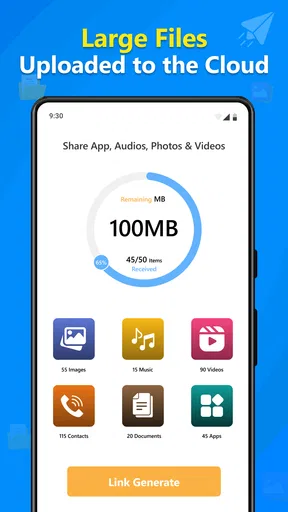
That habit matters most with larger items. A batch of photos or a work folder can be much more important than a single image, and a transfer that looks started is not the same as one that has arrived intact. I’d confirm the recipient can open the files before deleting the originals or closing the app. This is ordinary good practice for any sharing tool, but it is especially useful when network conditions are changing while you move between places.
Where it fits on a phone
I can see the appeal when I’m sharing directly with someone nearby and don’t want to turn a simple handoff into a chain of messages, cloud uploads, and download links. For example, after a small group outing, one person could select the pictures they want to pass along while everyone is still together. The practical advantage is less about a grand feature set and more about having a transfer-focused option ready when the recipient is beside you.
It may also suit people who regularly move personal files between phones and prefer a dedicated sharing app to hunting through email attachments or chat histories. On the other hand, if I only send an occasional document, a messaging app or an existing cloud service may already be enough. Those options can be more convenient when the recipient is somewhere else, because they are built around sending a link or message rather than coordinating a direct handoff.
Small habits that reduce transfer frustration
Before sending, I’d make a quick pass through the selection instead of tapping files in a hurry. This is useful when a folder contains near-duplicate photos, private documents, or several versions of the same file. A moment spent checking names and contents can prevent the more awkward problem of having to explain why the wrong item arrived. For work material, I’d also send only what the other person needs rather than treating a whole folder as the default.
For a multi-file transfer, I’d agree on a simple routine with the recipient: one person sends, the other checks the result, and only then do you move on to another batch. That keeps confusion down when several people are sharing at once. If the transfer is interrupted or takes longer than expected, I would pause and verify what has arrived before starting again; blindly repeating the same send can leave duplicate files and make it harder to tell which copy is complete.
Worth Reading Before You Choose

Baby Panda World Brings Quick Play to Modern Phones, but Its Game Library Feels Busy

ESPN’s Live Game View Makes Following Close Games Easier

QuizzLand Review: A Good Fit for Short Trivia Breaks, Not Every Player

Basketball Stars: Multiplayer Is Fast, but Can It Recover When Matches Go Wrong?

WEBTOON Turns Phone Updates Into a Better Reading Routine

Link to Windows Runs on Shared Habits, Not Social Feeds
Quick Share is aimed at ordinary users rather than people who want to configure a complicated transfer system. Its simple positioning is appealing, but ease of use does not remove the need to pay attention to the receiving device and the connection at the time. A dedicated app can make a nearby exchange feel more deliberate than a string of chat attachments, while a cloud drive remains a better fit for sharing with someone who is not present or for keeping a long-term shared copy.
What to expect from the app
The app has an average rating of 3.2 from around 470 ratings, alongside more than 100,000 installs. I read that as a reason to try it with modest expectations rather than assume it will suit every phone and every transfer situation. It is rated for Everyone, and version 1.0.7 is the current release. The minimum Android requirement is 7.0, which is worth checking before installing on an older device.
It is also sensible to think about cost beyond the initial install. The app is free, while in-app purchases range from $1.99 to $14.99 per item. I’d check what an optional purchase actually adds before paying, and first decide whether the free experience handles the transfers I need. That is particularly important if my use is occasional: a paid extra may be hard to justify when the phone’s built-in sharing tools already cover the same job.
Effortless File Sharing
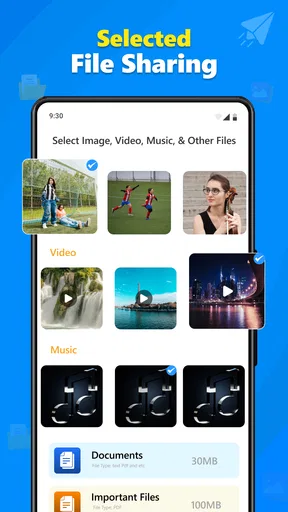
First off, let's talk about how easy it is to use Quick Share. From the moment you open the app, it’s like it’s holding your hand, guiding you through the process. The interface is super intuitive, and you don’t need to be a tech wizard to figure it out. You just select the files you want to send and boom—they’re on their way.
Speed That Impresses
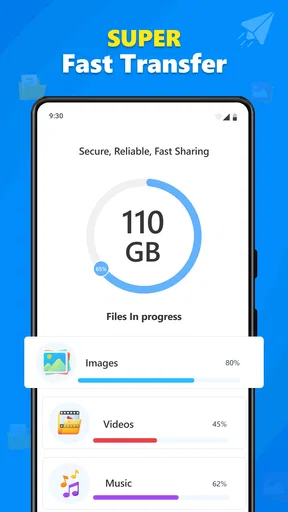
Now, I’m not the most patient person, and waiting for files to transfer can be a drag. But this app is all about speed. I’ve transferred gigabytes of data in mere seconds, and honestly, it feels like magic. It's perfect for those of us who can’t sit still waiting for a progress bar to inch its way to completion.
Cross-Platform Compatibility
One of the standout features here is that you can send files between Android and iOS devices without a hitch. No more trying to convince your iPhone-toting friends to download some weird intermediary app—Quick Share plays nice with everyone. It’s like a universal translator for your data.
Security You Can Trust
In a world where privacy is everything, it's comforting to know that your files are secure. The app uses encryption to keep your transfers safe from prying eyes. You can share your data without worrying about it falling into the wrong hands.
Additional Perks
Beyond the basics, there are some nifty extras that make this app stand out. For instance, you can transfer entire folders, not just single files. And if you’re someone who’s always sharing with the same group, the app remembers your frequent contacts, making the whole process that much smoother.
User-Friendly Design
I have to give props to the designers. The layout is clean and functional, making it easy to navigate even for those of us who might not be the most tech-savvy. Everything is right where you’d expect it to be, and there’s no unnecessary clutter to dig through.
No Internet? No Problem!
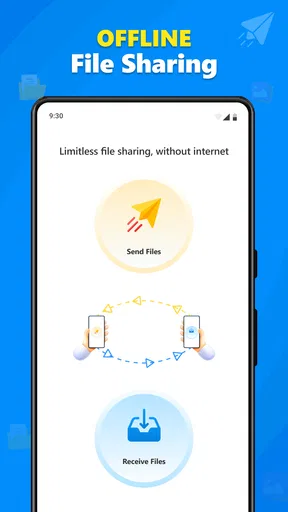
One of my favorite things about Quick Share is that it doesn’t require an internet connection. You can transfer files offline, which is perfect for those times when you’re off the grid or dealing with spotty Wi-Fi.
Wrap-Up
All in all, Quick Share: File Transfer App is a must-have tool for anyone who frequently shares files. Its speed, ease of use, and security features make it a standout choice in a crowded market. Whether you’re sending work documents, vacation photos, or your latest music mix, this app has got you covered.
So, if you're looking for a file transfer solution that’s fast, reliable, and user-friendly, give Quick Share a try. You might just wonder how you ever lived without it!
Pros
- Fast file transfer speeds.
- User-friendly interface.
- No internet required for transfer.
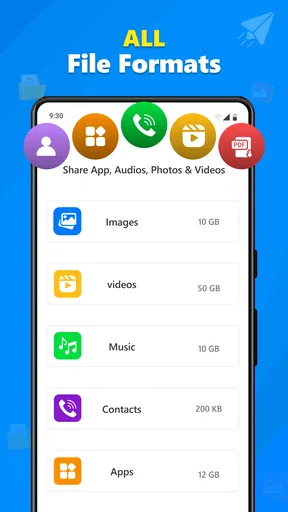
- Supports multiple file formats.
- Cross-platform compatibility.
Cons
- Limited file size for free version.
- Occasional connection drops.
- Ads in free version.
- Lacks advanced features.
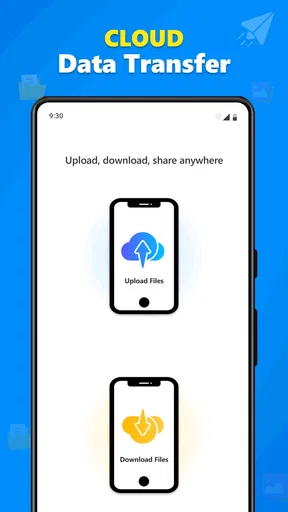
- No cloud integration.
FAQs for Quick Share: File Transfer App
What is Quick Share: File Transfer App used for?
Quick Share: File Transfer App is designed to facilitate the rapid and secure exchange of files between devices. It supports various file types, including photos, videos, documents, and apps, making it a versatile tool for both personal and professional use. The app uses advanced transfer protocols to ensure fast speeds and data integrity.
Is Quick Share compatible with both Android and iOS devices?
Yes, Quick Share is compatible with both Android and iOS platforms, allowing seamless file transfers between different operating systems. This cross-platform capability ensures that users can easily share files with friends or colleagues, regardless of the device they are using. The app also maintains high transfer speeds across all supported devices.
How secure is the file transfer process with Quick Share?
Quick Share prioritizes user privacy and data security by implementing end-to-end encryption for all file transfers. This ensures that your files remain confidential and protected from unauthorized access during the transfer process. Additionally, the app does not store any files on its servers, maintaining your privacy further.
What are the main features of Quick Share: File Transfer App?
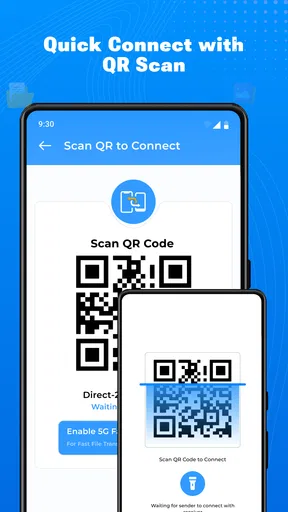
Quick Share offers a variety of features, including high-speed transfers, support for multiple file types, a user-friendly interface, and no need for internet or mobile data. It also includes device pairing through QR codes or NFC, making the connection process quick and simple. These features make it a convenient tool for everyday file sharing.
Are there any limitations on the file size or type with Quick Share?
Quick Share does not impose strict limitations on file size, allowing you to transfer large files without hassle. It supports a wide range of file types, including multimedia, documents, and application files. However, performance may vary depending on the device's hardware capabilities, so users should ensure their devices meet the app's system requirements for optimal performance.


